
JobBot: Auto Apply
Auto apply for jobs while you get on with your day.
Alpha build · macOS 13 or later · Apple silicon
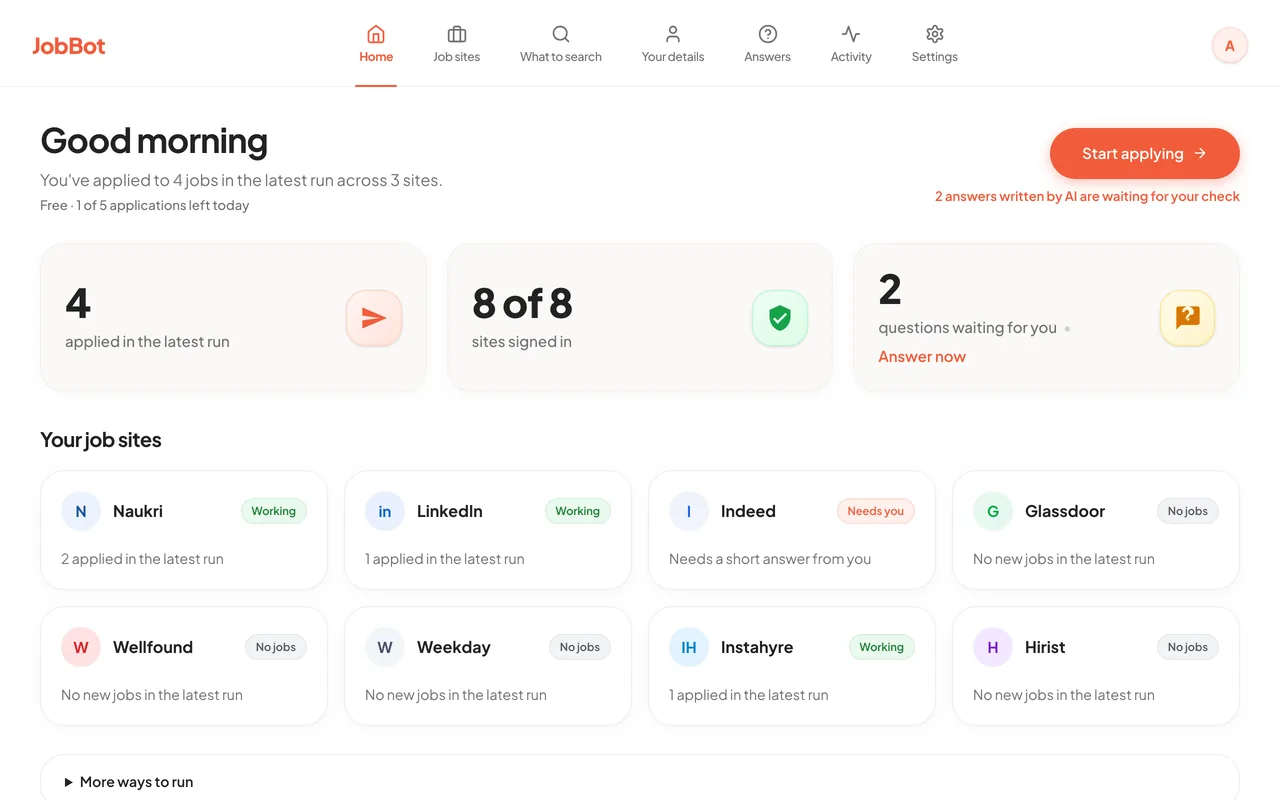
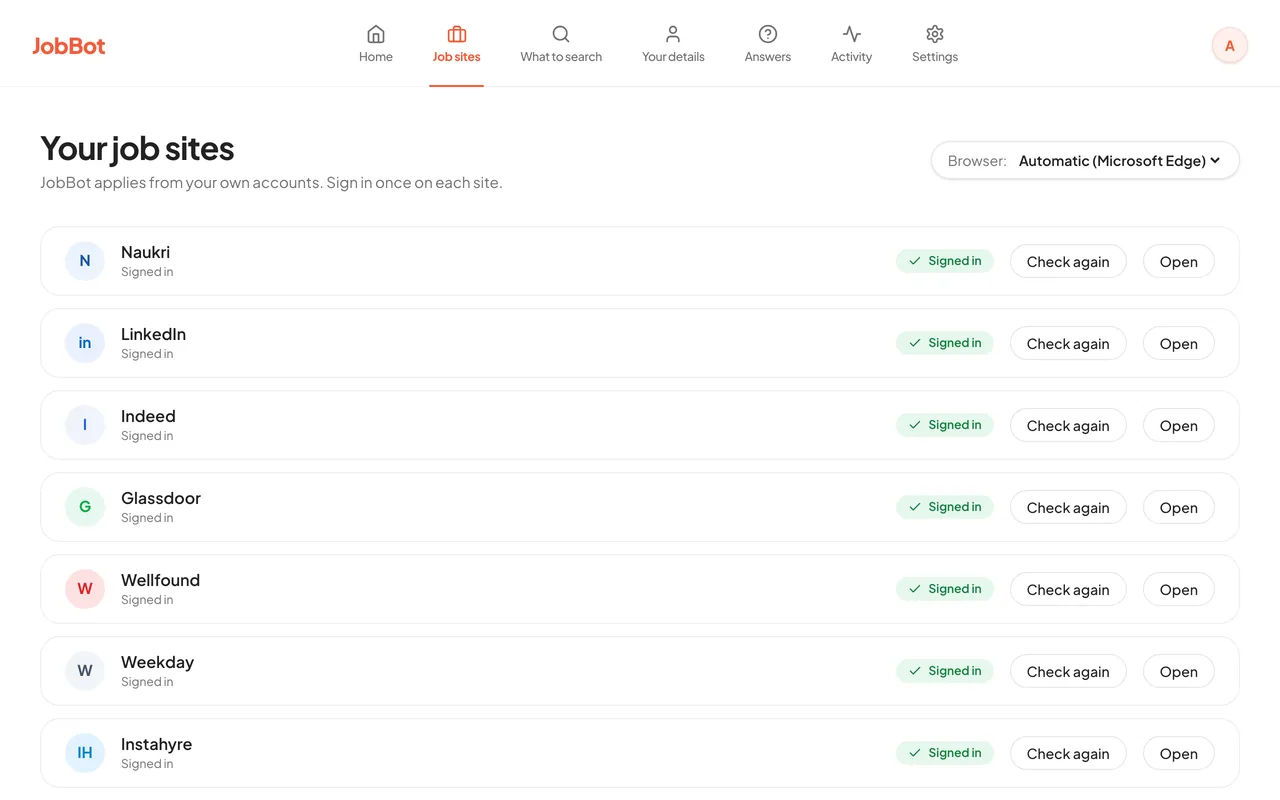
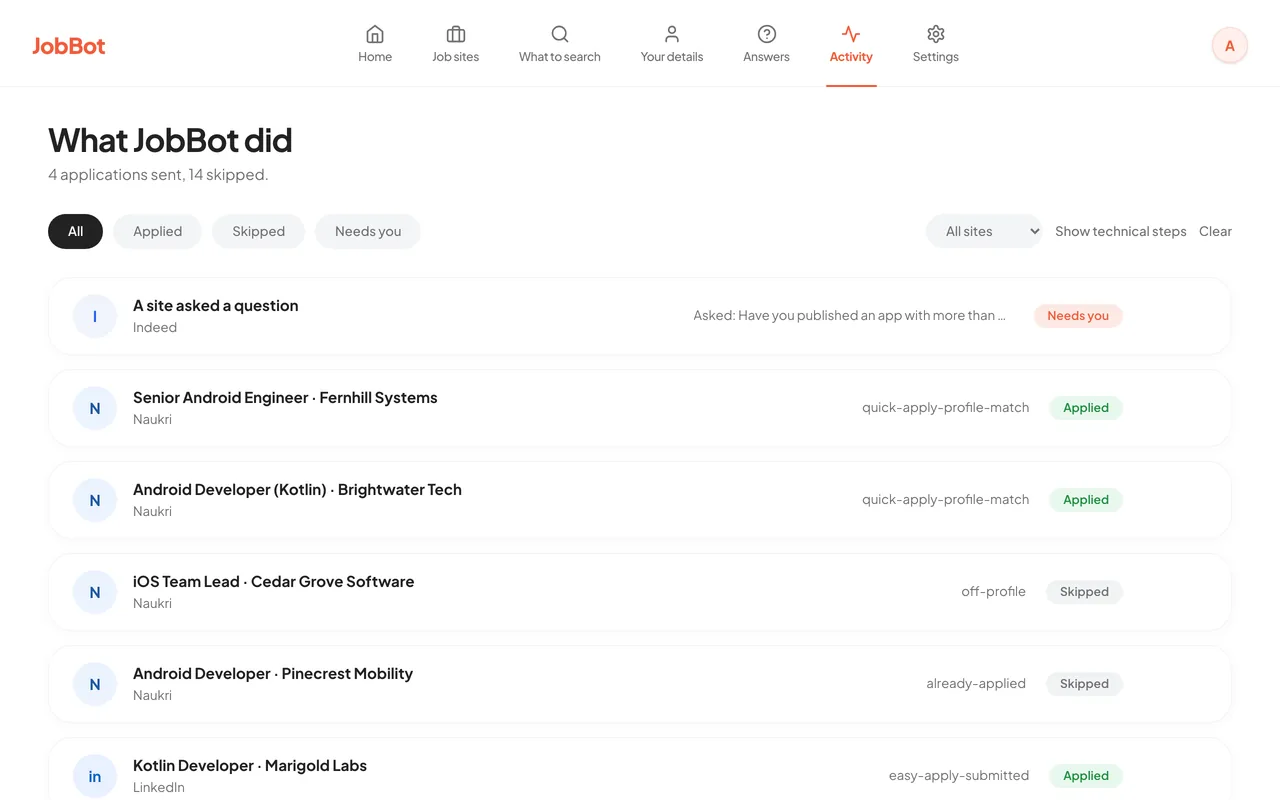
JobBot opens the job boards you already use in a browser window on your Mac. You sign in there once, and it works as you. It reads each listing, skips the ones that do not fit, answers screening questions from the details you fill in and the answers you save, and applies - up to the limits you set. Everything runs on your Mac.
Screenshots
Alpha software
This is an alpha, not a finished product
JobBot is an alpha and is still being built. It works, and it is being used on real job hunts every day - but read this before you rely on it.
- It changes underneath you. Screens, settings and the way a run behaves can change from one build to the next.
- Coverage is uneven. Naukri and LinkedIn are the most tested. Indeed, Glassdoor, Wellfound, Hirist, Instahyre and Weekday work less consistently.
- Some applications will not finish. JobBot stops at a CAPTCHA and does not try to solve it. It skips a job when it has no answer for a question, or when the form is one it does not know.
- Fill in Your details first. JobBot answers from the details you give it, and a real run does not start until your name, email and phone are filled in. A detail you leave empty gives no answer, so that job is skipped.
- Watch your first runs. Start in preview, with a low cap, and read the run log before you let it apply for real.
- Software roles have had the most use. JobBot searches for the job titles you save, for any kind of role. Matching has had the most use on software roles so far.
- Apple silicon Macs only. There is no Intel, Windows or Linux build.
Nothing here promises interviews or offers. JobBot saves you the typing; the rest of the job hunt is still yours.
What this job application bot does
- applies on Naukri, LinkedIn, Indeed, Glassdoor, Wellfound and Hirist
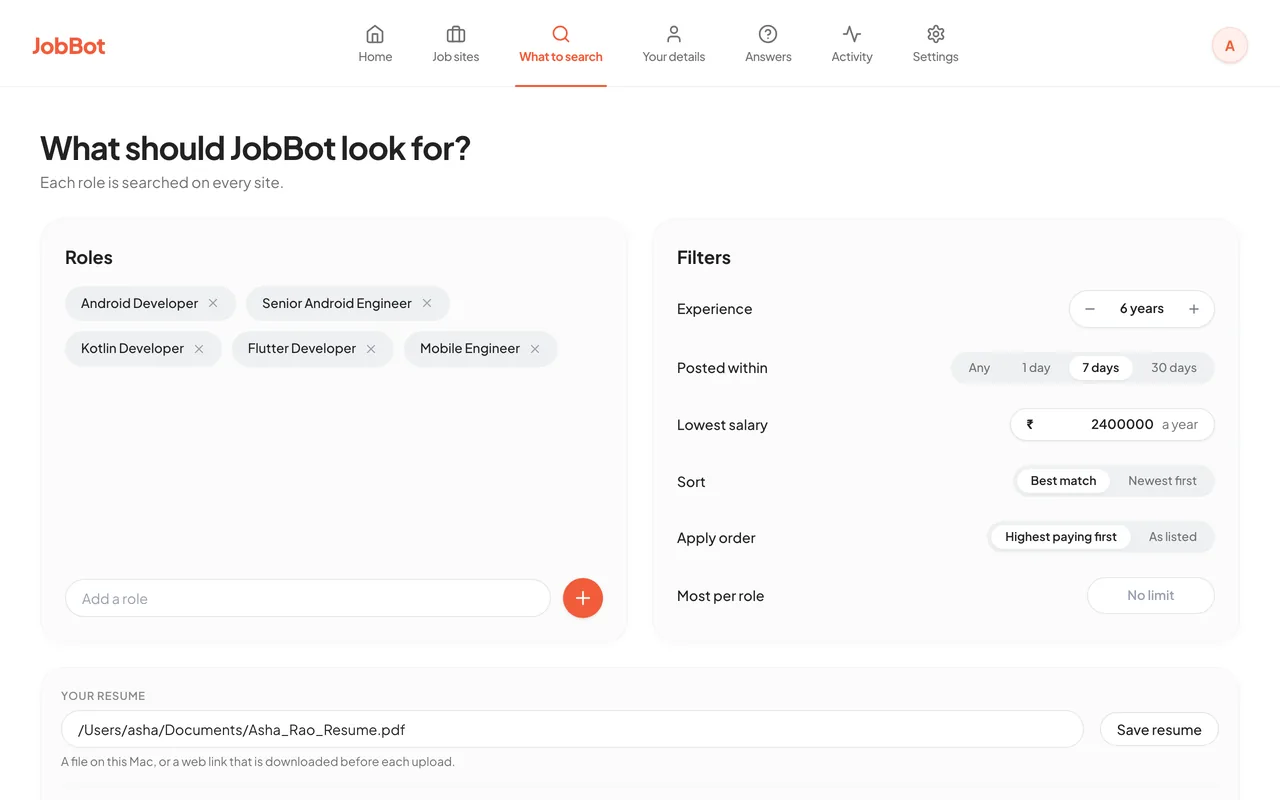
- searches the job titles you choose, and only those
- skips anything under the salary floor you set, and applies to the best-paying listings first
- answers screening questions from your own details and saved answers, and skips a job when it has no answer
- looks for jobs in the cities you list, Remote included, or anywhere if you list none
- caps how many applications each run and each job title can send
- stops the moment you press stop, and never mid-application
- keeps your resume, details, answers and sessions on your own machine
- needs no browser extension: it opens a browser that is already on your Mac
Pricing
Free plan and Pro
Free: 5 submitted applications a day across all job sites. The count is kept on your Mac and starts again at midnight, your local time. Preview runs are not limited. Scheduled automatic runs are not part of the free plan.
Pro: no daily limit from us. Your own caps and the job sites' limits still apply. Scheduled automatic runs are included.
Pro trial: when you use up the day's 5, JobBot offers 15 days of Pro with no card. It is once per account and once per Mac. When it ends you are back on the free plan.
Cancel a monthly plan whenever you like; access runs to the end of the period you have paid for.
Pro plans for your country:
Loading the price for your country...
Prices exclude any taxes that apply where you are. See the refund policy before you subscribe.
Common questions
Is JobBot free?
There is a free plan and a paid one. The free plan lets you submit 5 applications a day across all job sites, for as long as you like. Preview runs are not limited. Scheduled automatic runs are part of Pro. When you use up the day's 5, JobBot offers a 15-day Pro trial with no card, once per account and once per Mac. Pro has no daily limit from us. The Pro price for your country is in the pricing section on this page.
Is it a Chrome extension?
No. JobBot: Auto Apply is a Mac app, and there is no browser extension to install. It opens Chrome, Edge, Brave or Chromium, whichever is already on your Mac, in its own window. You sign in to each job board in that window once, and JobBot works there as you.
Does it work on Windows?
No. JobBot runs on Macs with Apple silicon, on macOS 13 or later. There is no Windows or Linux build, and no build for Intel Macs.
Will Naukri or LinkedIn block my account?
They can. Most job boards discourage or prohibit automated applying, and an account can be restricted for unusual activity. JobBot is paced like a person, and you can cap how many applications each job title sends, but nobody can promise your account is safe. The risk is yours to weigh. Start with small caps.
Does it use ChatGPT or Claude?
Neither is built in. AI answers are optional and you choose where they come from: a local AI model that runs on your Mac through Ollama, or a model you pick on OpenRouter with your own key. With Ollama the answer is written on your Mac. With OpenRouter, the question, the text of your resume and the details you have filled in are sent to OpenRouter to write the answer.
What is the LinkedIn Easy Apply daily limit?
LinkedIn says it has daily and speed limits on Easy Apply and does not publish the number. People who hit it commonly report about 50 applications in 24 hours. JobBot does not try to get around a job board's limit. Checked on 8 October 2026.
What does "alpha" mean here?
It means the product is unfinished and still moving. Features can change or disappear between builds, some boards work better than others, and you will hit bugs. If you want something settled and predictable, this is not it yet - tell us and we will let you know when it is.
What do I need to run it?
A Mac with Apple silicon (M1 or later) on macOS 13 or later, and your own accounts on the job boards you want to use. Before a real run you fill in your name, email and phone on the Your details screen. You sign in to each one once, in a browser window JobBot opens (Chrome, Edge, Brave or Chromium). JobBot does not ask for your passwords and does not sign in on your behalf.
Is this allowed by the job boards?
Be aware that most job boards' terms discourage or prohibit automated applying, and an account can be restricted for unusual activity. JobBot is built to stay modest - human-paced, capped per run, and limited to the searches you choose - but the risk is real and it is yours to weigh. Start with small caps.
Where do JobBot's answers come from?
From you. On the Your details screen you fill in your name and contact details, location, work, education, pay and notice period, skills and years, links, and common yes or no answers. Nothing is built in. JobBot also uses answers you save yourself. When a detail is not filled in, it gives no answer: the job is skipped and the question waits on the Answers screen for you. The cities JobBot looks in come from Your details too. List several, add Remote, or leave it empty to look anywhere.
Does it apply to anything and everything?
No. It only searches the job titles you enter, skips listings below your salary floor, skips roles outside the job titles you saved, and skips any job whose screening questions it has no answer for. JobBot searches for the job titles you save, for any kind of role. Matching has had the most use on software roles so far. You can watch every decision it makes in the run log.
Where does my data go?
Your resume, your details, your saved answers and your browser sessions stay on your Mac. So does the count of today's applications on the free plan. JobBot's servers hold your subscription status and nothing about your applications. One exception is your choice: if you switch on AI answers through OpenRouter, the question, the text of your resume and the details you have filled in go to OpenRouter. See the privacy policy.
What is not finished yet?
It is an alpha and it says so on the page. Boards beyond Naukri and LinkedIn are less consistent. JobBot stops at a CAPTCHA and does not try to solve it. Intel, Windows and Linux builds do not exist. Expect the app to change between builds.
How do I cancel?
Cancel from the billing portal you subscribed through, or write to us from the contact page. See the refund policy for what happens to the current period.