

SMS Forwarder
Get your SMS in email, Telegram or on your other phone.
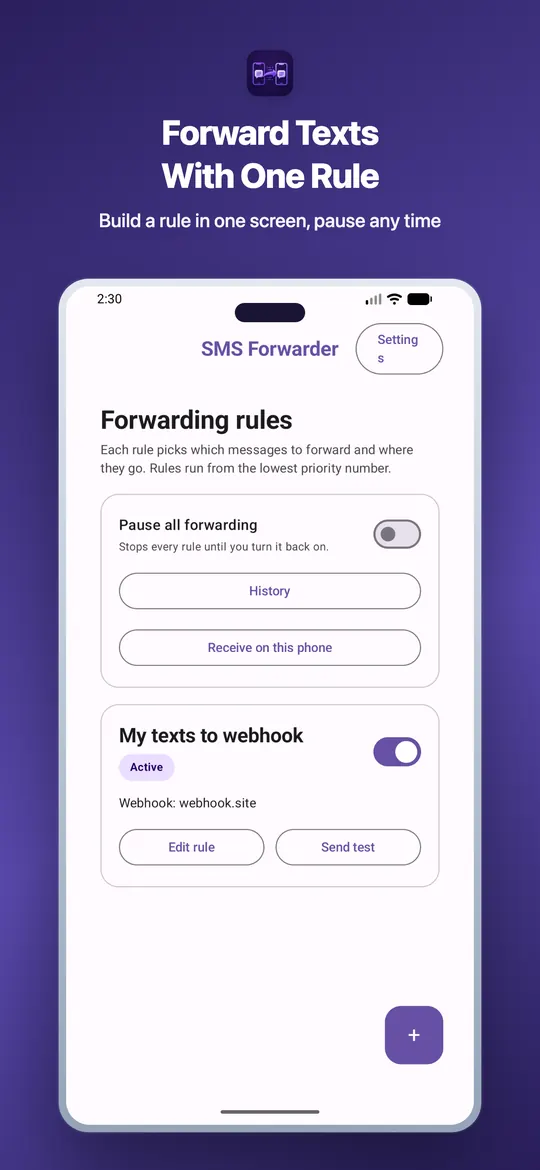
Carry a work phone and a personal phone, or keep a SIM in a phone at home? Install SMS Forwarder on the phone that receives the messages, choose which ones matter, and it sends them to your email, Telegram, a webhook or your other phone. No sign-in needed.
Screenshots
What SMS Forwarder does
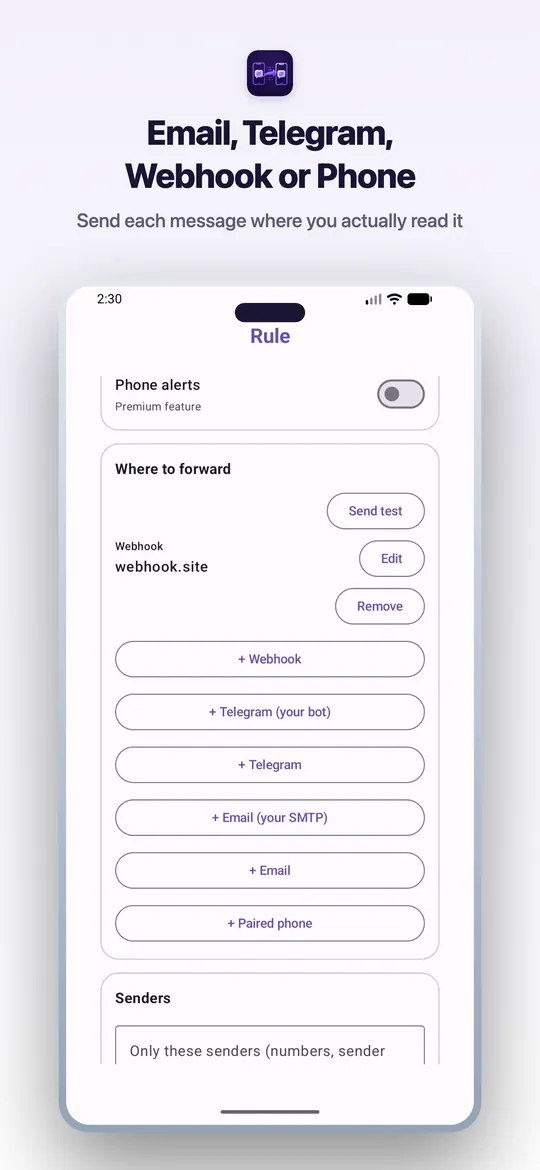
- Forwards incoming SMS to email, Telegram, a webhook or another Android phone
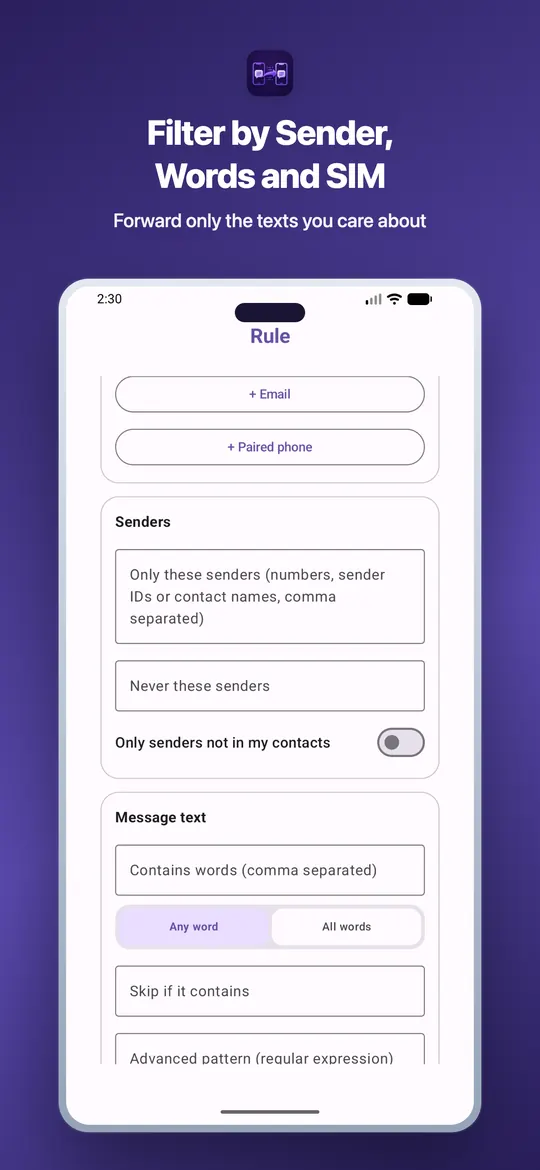
- Rules you create: by sender, by words in the message, or everything
- Nothing is forwarded until you turn on a rule
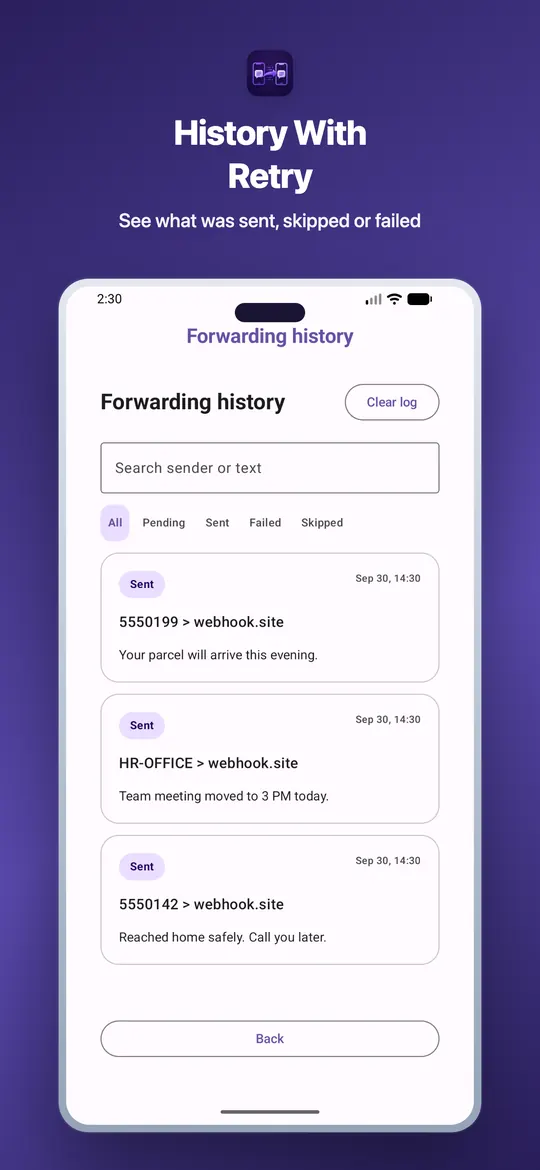
- Searchable history and automatic retry, kept on your phone
- Scam warnings before you forward bank or OTP messages
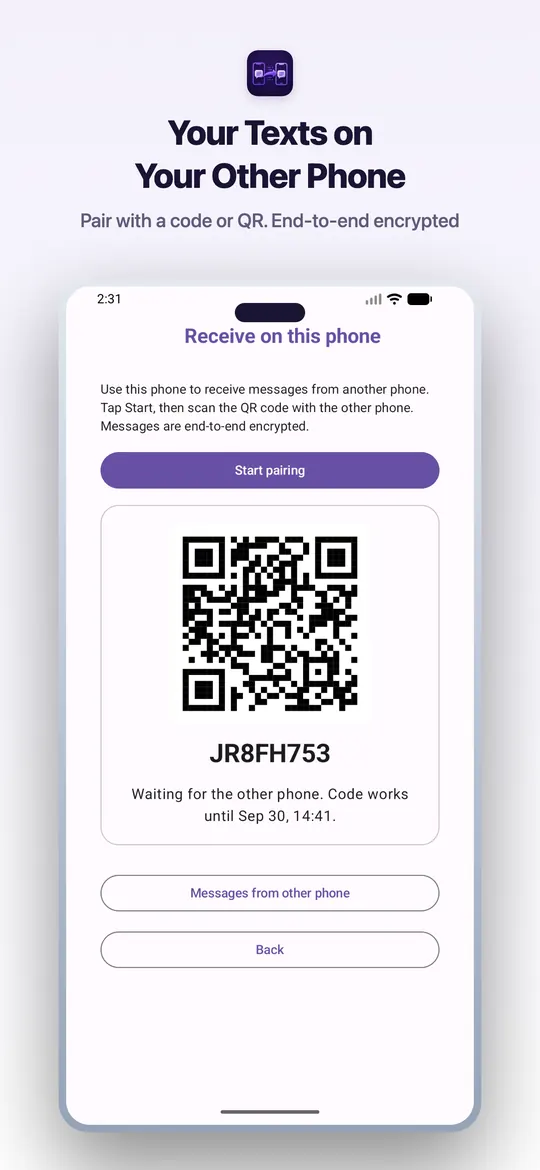
- No sign-in. Paired phones use end-to-end encryption
- Direct APK only: also forward to a phone number as a normal SMS
Who it's for
- Two-phone users - get bank and delivery SMS from your work phone on your personal phone.
- Second SIM at home - leave a spare phone at home and still see its messages wherever you are.
- Switching phones - keep receiving SMS sent to your old number while you move over.
- Travelling abroad - forward SMS from your home SIM to the phone you carry.
How to install
- 1. Open this page on the phone that receives the SMS and tap Download APK.
- 2. When Android asks, allow your browser to install unknown apps.
- 3. Open the downloaded file and tap Install.
- 4. Open SMS Forwarder and allow SMS and notification access.
- 5. Choose where messages go (email, Telegram, webhook, paired phone or number) and create a forwarding rule.
- 6. Send a test SMS to this phone and check it arrives at your destination.
Stay safe
- Only forward to a phone you own. Anyone who gets your OTPs can reach your bank and accounts.
- If someone on a call asks you to install an SMS forwarding app, it is a scam. Hang up.
- Download SMS Forwarder only from trei.dev, never from a link someone sends you.
Common questions
Why is this a direct download?
This download can also forward a message to another phone number as a normal SMS, which Google Play does not allow. Until the Google Play version is released, install it from trei.dev.
Is the APK safe to install?
Download it only from trei.dev. The app is signed by Trei and registered with Google's Android developer verification, so Android can confirm who made it.
Does SMS Forwarder upload my messages anywhere?
Only where you tell it to. Webhook, your own Telegram bot and your own email server are contacted straight from your phone. Trei email and Telegram relay and paired phones pass through api.trei.dev only to be delivered, and message text is not stored. Rules and history stay on your phone.
Will it cost money?
The app is free with one rule and a daily limit on messages relayed through Trei servers. Premium adds unlimited rules and more. Forwarding to a phone number as SMS uses your carrier's normal SMS charges.
How do I install an APK?
Download the APK, allow your browser to install unknown apps when Android asks, and tap Install. Full steps are in the section above.